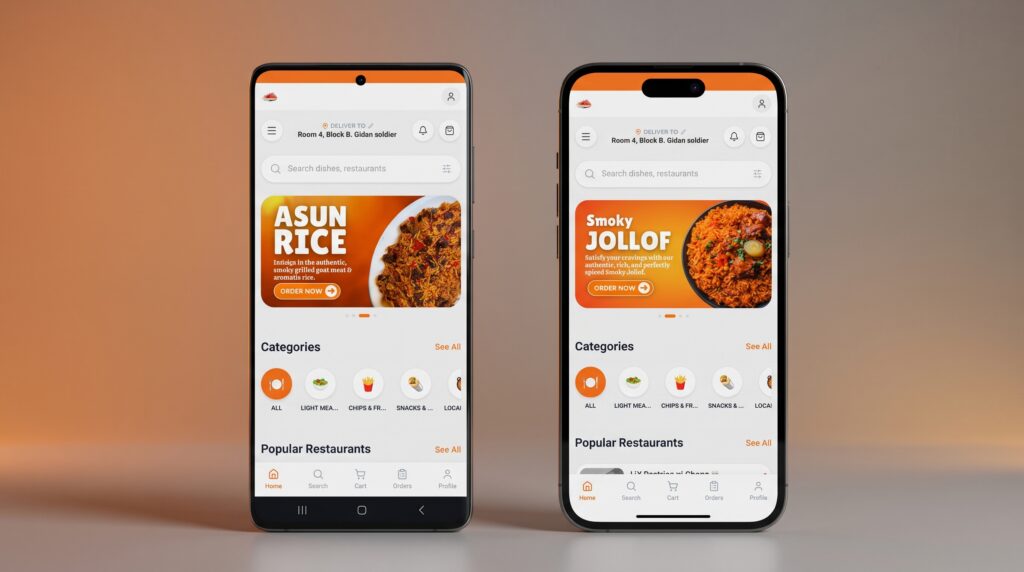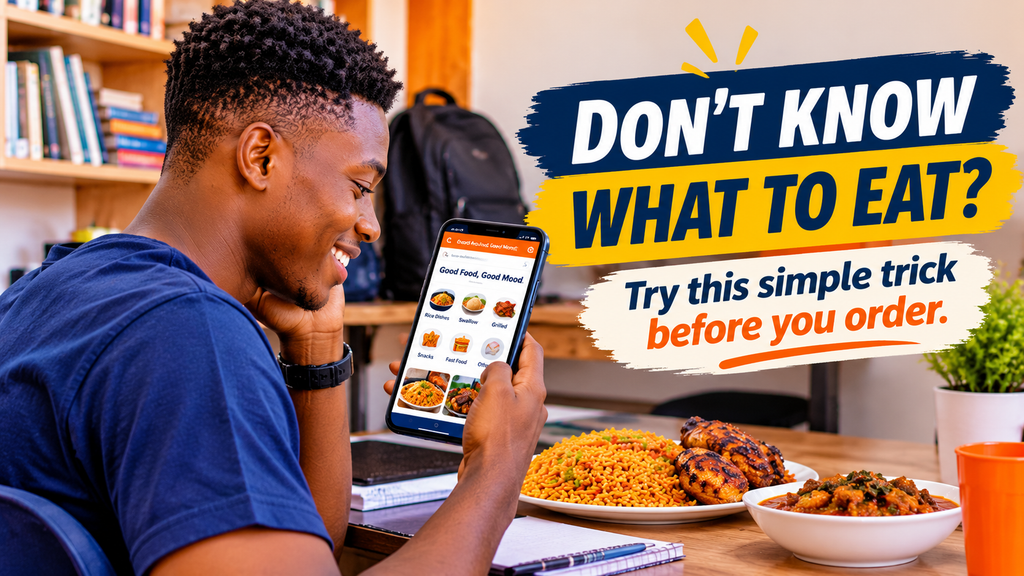
You’re hungry. You open a food delivery app, hoping to order something nice.
You start scrolling.
You see rice. Then chicken. Shawarma. Pasta. Noodles. Small chops. Another rice option. Maybe something you’ve never tried before.
You keep scrolling because everything looks interesting, but somehow, you still don’t know what you want to eat.
You scroll up. You scroll down. You open one meal, check the price, return to the menu and continue looking.
Before you know it, you’ve spent several minutes looking at food without actually deciding what to order.
Sounds familiar?
This happens because having too many options can sometimes make choosing more difficult. The problem isn’t necessarily that you don’t like any of the meals. It’s that you’re trying to compare everything and make a final decision at the same time.
At Foody Takeout, we have a simple trick our founders use when they face this situation.
Instead of trying to choose the perfect meal immediately, we shortlist the meals that interest us first and make the final decision afterwards.
It takes only a few minutes, and here’s how it works.
Step 1: Start with your favourite meals
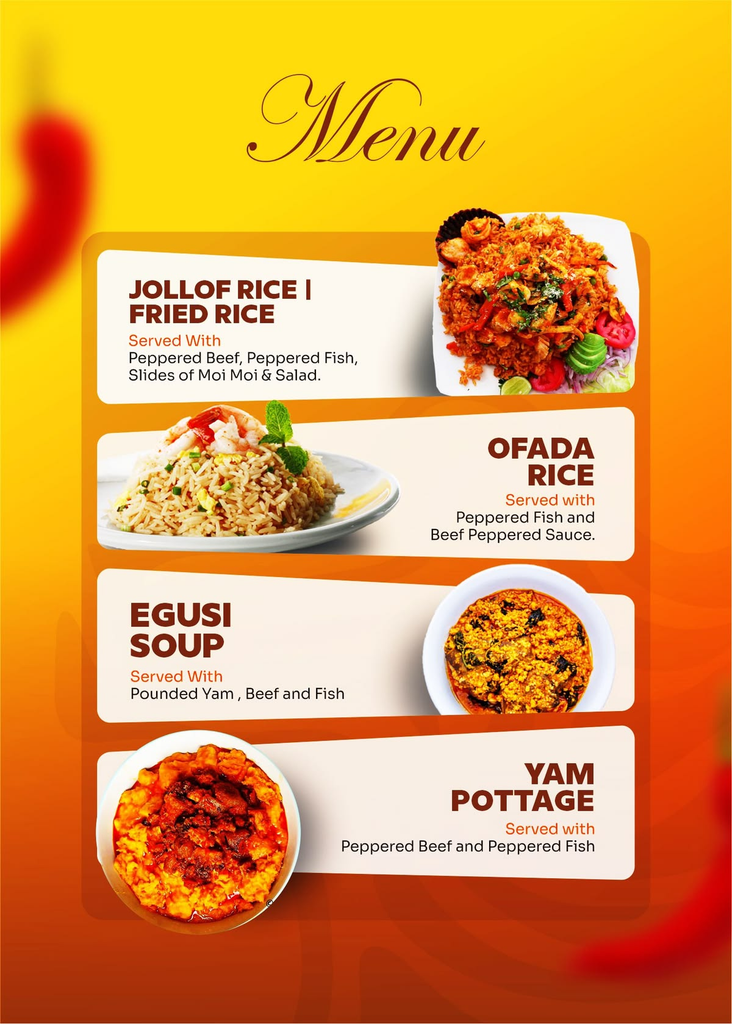
Before thinking too much about the price, start by looking for meals you genuinely like.
Do you enjoy rice? Are you in the mood for chicken? Would you prefer pasta, noodles, shawarma or something else?
Start with your food preferences.
As you browse the restaurant’s menu, whenever you see something that catches your attention, add it to your cart.
Don’t spend too much time asking yourself whether it’s the final meal you’re going to order. You’re simply creating a shortlist.
For example, you might come across:
- Jollof rice with chicken.
- Fried rice with chicken.
- Spaghetti.
- Shawarma.
- Chicken and chips.
- A special rice combo.
If these meals interest you, add them to your cart and continue browsing.
You might find a restaurant with 30, 40 or even 50 menu items. You don’t need to make your final choice after looking at every single one.
Just shortlist the meals that appeal to you.
The goal of this first step is to gather your options, not make your final decision.
Step 2: Now consider your budget
After selecting the meals that interest you, it’s time to think about affordability.
Everyone has a budget when ordering food. Sometimes you want something special, but you also don’t want to spend more than you planned.
This is where your cart becomes useful.
Let’s say you have shortlisted five meals:
| Meal | Example price |
|---|---|
| Jollof rice and chicken | ₦3,500 |
| Fried rice and chicken | ₦4,000 |
| Chicken and chips | ₦4,500 |
| Shawarma | ₦3,000 |
| Special rice combo | ₦5,500 |
These are illustrative prices, not actual restaurant menu prices.
Looking at the options together makes it easier to compare them.
You can now start asking yourself:
- Which of these meals fits my budget?
- Which one am I most interested in eating?
- Is there an option I like just as much but that costs less?
- Am I comfortable spending this amount on this meal today?
You don’t have to choose the cheapest meal. You simply want to find something you genuinely want and can comfortably afford.
Step 3: Return to your cart and start removing options
This is the interesting part.
Instead of going back to the menu and starting the entire selection process again, return to your cart.
Now begin removing meals that don’t make the final cut.
Start with the ones that are above your budget or that you’re no longer particularly interested in.
If you added five meals, you might remove two because they cost more than you want to spend.
Then look at what’s left.
Perhaps two or three meals are still competing for your attention.
Ask yourself which one you’d actually enjoy eating right now.
Continue removing options until you’re left with the meal or combination of items that makes sense for your appetite and budget.
Remember, the cart is your shortlist. You don’t have to order everything you put there.
Step 4: Check your final selection before checkout
Once you’ve narrowed your options down, take a moment to review what’s left.
Check:
- The meal names.
- The quantities.
- The prices.
- Any available add-ons or extras.
- The total amount you’re about to spend.
Make sure the final selection is what you actually want.
Also remember that the food price may not be the only amount you’ll pay. Depending on the platform, delivery fees and other applicable charges may affect your final checkout total.
If the total is higher than you’re comfortable with, you can still remove an item or choose another option before completing your order.
If you’re satisfied, proceed to checkout.
That’s it. You’ve gone from scrolling through a long menu without knowing what to eat to making a decision based on your preferences and budget.
Why this simple trick works
The reason this method is useful is that it separates two different decisions.
First, you decide what interests you.
Then, you decide what you can comfortably afford.
Trying to do both simultaneously can make the process feel unnecessarily complicated.
When you shortlist first, you don’t have to reject every interesting meal immediately because of its price. You can explore your options before narrowing them down.
It also helps you avoid repeatedly scrolling through the same menu because you forgot which meals caught your attention earlier.
Of course, you don’t have to add dozens of meals to your cart. Just add the options that genuinely interest you, then narrow them down.
One more thing: some food delivery apps only allow you to order from one restaurant at a time. If that’s the case, build your shortlist from that restaurant’s menu rather than mixing items from different restaurants.
A few extra tips when choosing what to eat online
1. Think about what you’re craving.
Are you hungry for a full meal, a quick snack or something light? Knowing this can immediately reduce the number of options you need to consider.
2. Don’t choose based on pictures alone.
Read the meal description, check the portion or quantity where available, and make sure you understand what comes with the meal.
3. Check your total, not just the meal price.
Remember to account for delivery fees and any other charges shown before payment.
4. Don’t order more than you need.
Adding several interesting meals to your cart is just part of shortlisting. Before checkout, remove anything you don’t actually need.
5. Give yourself a reasonable time to decide.
The whole idea is to make ordering easier, not turn choosing lunch into another assignment. 😂
Try this the next time you order food
The next time you’re hungry and open a food delivery app without knowing what to eat, don’t spend the next 15 minutes scrolling endlessly.
Start with your favourites.
Add the meals that interest you to your cart.
Then consider your budget, remove the options that don’t make sense and keep the meal you genuinely want.
You don’t need to know exactly what you want before opening the menu. Sometimes, you just need a better way to narrow down your choices.
And when you’re ready, you can explore the available restaurants and meals on Foody Takeout.
Happy ordering. Enjoy your meal!
Foody Takeout is a technology-driven food marketplace connecting customers with restaurants in Gidan Kwano, Minna.